
-
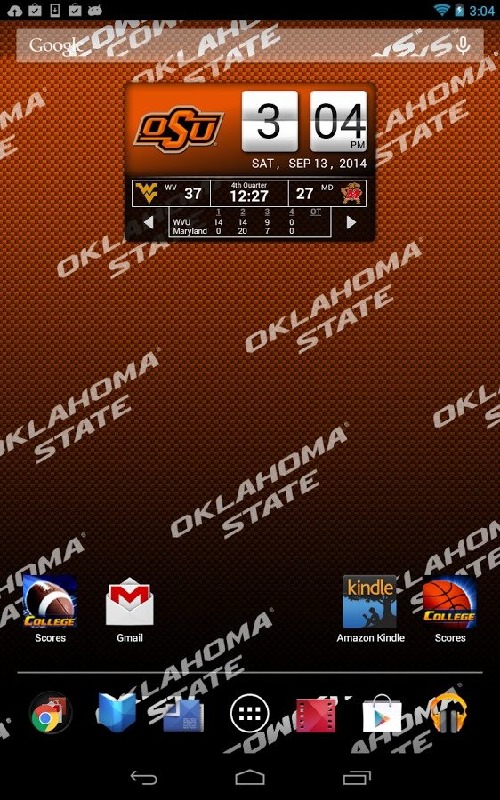
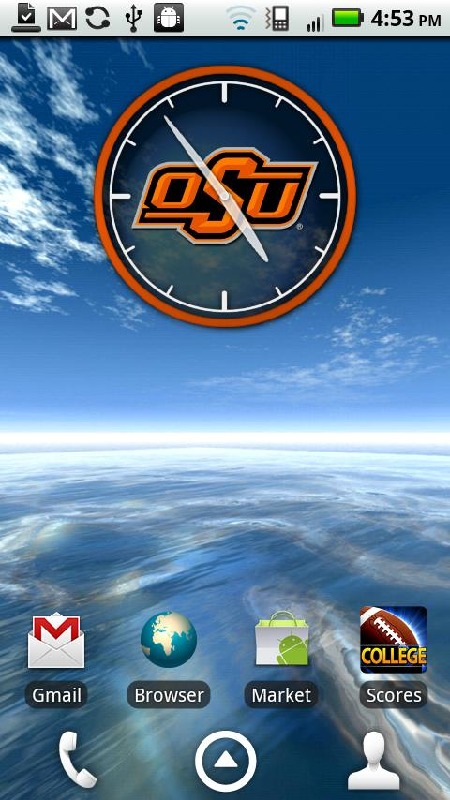
**7 Day Free Trial!** Official Oklahoma State Cowboys Live Clock, with college football and basketball scores below the clock when games are in progress. This w...
Oklahoma State Live Clock

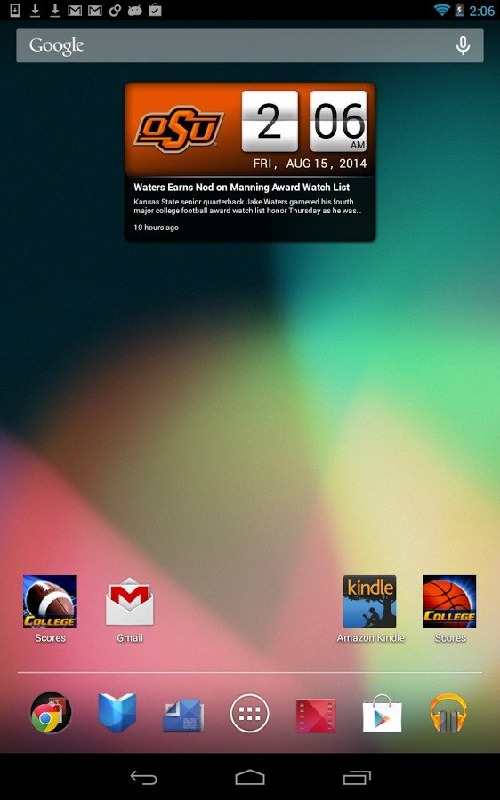
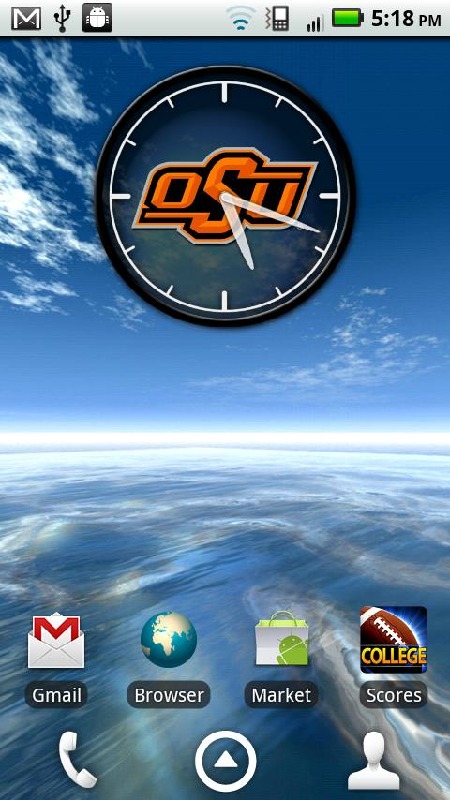
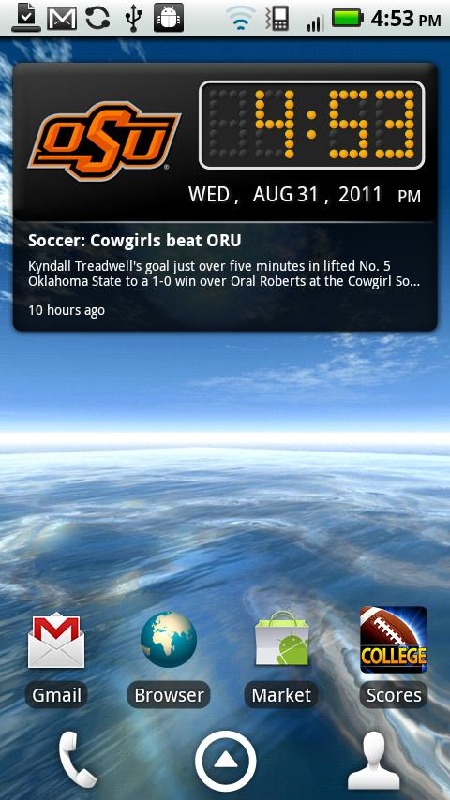
**7 Day Free Trial!** Official Oklahoma State Cowboys Live Clock, with college football and basketball scores below the clock when games are in progress. This widget lets you replace the standard clock in your phone with a custom OK State clock, with instant access to Big 12 scores, schedules and news (as well as other conferences). You don’t even need to open the app to see live sports scores—they appear automatically during live games. When no games are on, you’ll see the latest Big 12 news headlines below the clock. *Includes live scores for all regular season college football and basketball games, as well as Bowl Games, the NCAA College Football Playoff, conference tournaments and March Madness.*2014-2015 schedules and scores are in the clock. If you don't see them, please update your app!Subscription: This is an officially licensed product with royalties paid to the Oklahoma State University. The $2.99 annual subscription is good for 12 months from date of purchase (after the free trial ends). If you don't like it, just cancel your subscription within 7 days and you won't be billed. To manage subscriptions, launch the Google Play Store app, then tap Menu > My Apps > Subscriptions.- Includes 3 layouts: Flip Clock, Scoreboard & Analog. (Scoreboard does not appear on the clock face with Analog, but you can still tap for scores).- Tap the widget to see detailed scoreboard, schedule and news by conference- With the widget open, tap the conference name to view other conference schedules, or tap the week number to view schedules for different weeks.- Scoreboard will appear below the clock when games are on. In landscape mode, scores appear beside the clock.- We don’t have room to show every game below the clock. To see more games, just tap the clock and select the Scores tab.- To see other apps & widgets for other teams, tap “More by Smartphones Technologies, Inc.”INSTALLATION INSTRUCTIONS: This clock is a widget, not an app. To add the clock to your home screen, follow the installation instructions below:OS 3.0 versions: After downloading: (1) go to Menu > Notifications to install; (2) tap and hold on your home screen and select Widgets to add it to your phone. Tap the widget to see the latest conference schedule, news or scores, or to change user options.OS 4.0 and above: On your Home Screen, go to Apps > Widgets, then swipe over until you see your clock widget. Then tap and hold to drag it to the selected location on your home screen. If it doesn't work, make sure you have enough available space (you may need to move other icons). The space required is 4 wide x 2 high.Time Zones: Schedule times are displayed based on the time zone set on your phone. When you change time zones, the scheduled times displayed in the widget will automatically adjust. A Note on Live Scores: The scores on your clock will always be slightly behind the actual game time. Unfortunately, we can’t change the laws of physics. It takes a few seconds to enter the scores into the computer, go out to the server, come back to our server, and finally out to your phone. If you’re already watching the game live, just enjoy the game! Warning: If you’re using a task killer, make sure you add the schedule widget to the exceptions list or it will kill the schedule updates.
Oklahoma State Live Clock游戏截图
本周飙升榜

















新游期待榜
热门推荐


相关专题
最新专题
- 射击精英训练场下载方式介绍
- 开天霸兵下载
- 小小特工队测试下载
- 小骑士冲冲冲下载
- 小岛日记测试下载
- legacysteelsorcery下载慢咋办
- 无畏契约源能行动下载安装教程
- 盟军敢死队类似的游戏下载推荐
- 又好玩又益智类的游戏是哪款游戏
- 游戏大全手机闯关游戏排行榜
- 精彩的十款最强劲的仙侠手游有哪些
- 好玩的科幻单机游戏排行
- 有意思的单机小游戏大全排行榜
- 最好玩的手机动作网游有哪些
- 类似使命召唤的单机游戏在哪里
- 最受欢迎的新游戏有哪些
- 受欢迎的小江湖手游合集
- 中世纪黑暗地牢游戏有哪些
- 有一个游戏叫什么大冒险
- 热门的二战射击游戏排行
- 世界上最好玩射击手游是什么手游
- 耐玩的零经验手游有没有
- 有没有好玩的仙侠类网游
- 有没有女朋友养成游戏手游分享
- 有趣的会飞的钢铁侠游戏有哪些
- 热门的洞穴冒险游戏有哪几个
- 好玩的互动电影游戏推荐2025
- 热门网游有哪些介绍2025
- 装备合成的传奇手游下载介绍2025
- f1手游安卓版下载分享
- 友情链接
- 最新游戏


 粤公网安备44010602000283号

玩家评论
更多>>全部评论